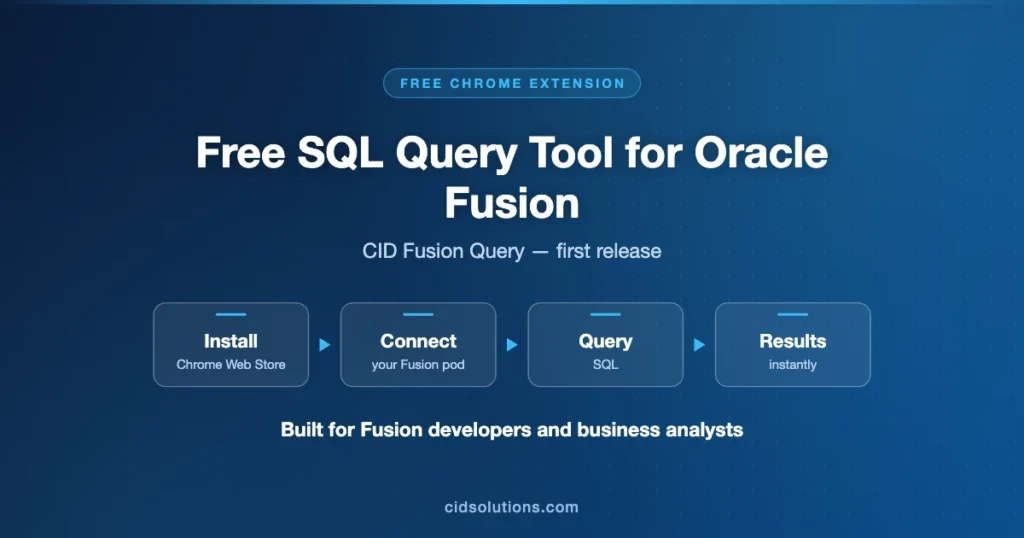
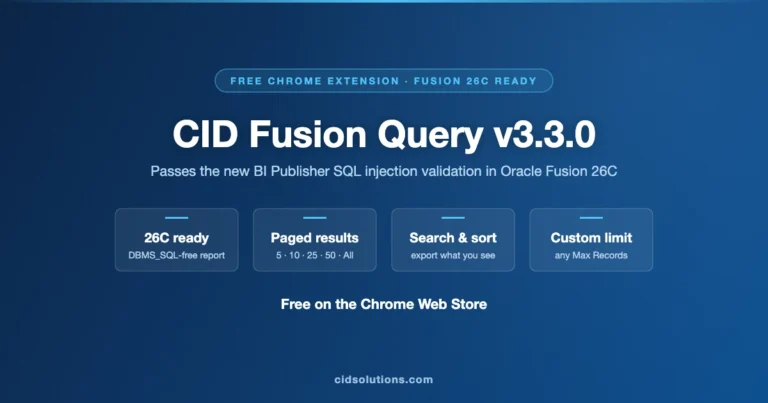
1. Install the extension and expose it on your browser toolbar.
2. Login to your Fusion SaaS instance you want to run queries against.
3. Click on CFQ icon on the toolbar – it will open CFQ UI.
4. If you are using CFQ for the first time with currently logged in instance, follow the steps described in Installation instructions.
5. Click on Login button and provide Fusion SaaS credentials for the environment you came from (it will appear in the address bar). Currently we support only local Fusion SaaS users. Your user and password will be kept in the session for subsequent query executions and will be sent to Fusion SaaS server only. Upon Login process the values are just saved in the session but not checked, they will be checked during the first query execution. If your password or user are not valid – you will get Unauthorized error.
6. Enter one or more queries in the Query box
7. Use Run Query button or Ctrl/Cmd+Enter combination to run currently selected text or full text if nothing selected
I have Follow these steps to upload the file to BI Publisher catalog:
File Download: CidUtils.xdrz
Login to BI Publisher – /xmlpserver URL
Navigate to /Shared Folders/Custom catalog directory
created folder under CidUtils in /Shared Folders/Custom
Upload the BI Publisher CidUtils.xdrz
Still I am getting the same error:PublicReportService::generateReport for reportAbsolutePath [/Custom/CidUtils/RunSQL.xdo] Failure: Due to oracle.xdo.servlet.CreateException: oracle.xdo.servlet.CreateException: Report definition not found:/Custom/CidUtils/RunSQL.xdo [username=hali@nuro.ai]
1. Please use /xmlpserver and not /analytics
2. Upload the file using the upload button
3. If the file was downloaded twice or more and has a suffix – please make sure to rename the folder after upload to CidUtils
Hi Alex,
Actually, I logged into Fusion and accessed BI to perform these actions. With my limited knowledge, I assumed that was the /xmlpserver. I’m not sure how to log in or what URL to use to access the xmlpserver directly.
I’d really appreciate your guidance on this.
The technical storage or access is strictly necessary for the legitimate purpose of enabling the use of a specific service explicitly requested by the subscriber or user, or for the sole purpose of carrying out the transmission of a communication over an electronic communications network.
Preferences
The technical storage or access is necessary for the legitimate purpose of storing preferences that are not requested by the subscriber or user.
Statistics
The technical storage or access that is used exclusively for statistical purposes.The technical storage or access that is used exclusively for anonymous statistical purposes. Without a subpoena, voluntary compliance on the part of your Internet Service Provider, or additional records from a third party, information stored or retrieved for this purpose alone cannot usually be used to identify you.
Marketing
The technical storage or access is required to create user profiles to send advertising, or to track the user on a website or across several websites for similar marketing purposes.