General
Oracle Visual Builder Studio allows us to extend existing Visual Builder screens or create new App UIs.
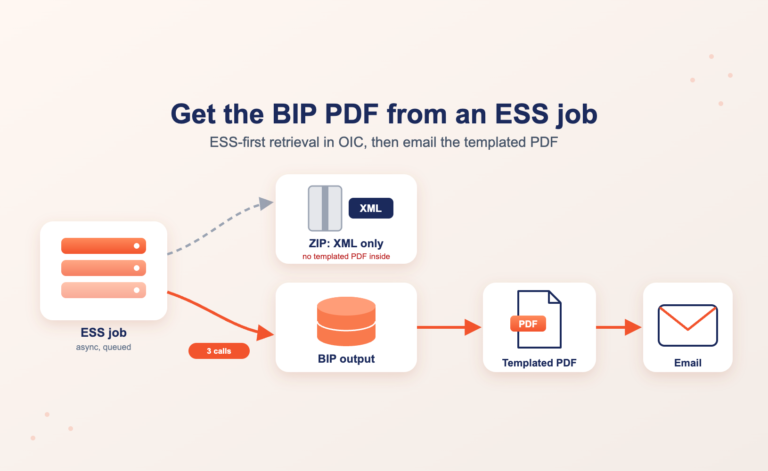
The automatically provisioned backends allow convenient access to Oracle Fusion REST resources but submitting and monitoring ESS jobs is not a straightforward task.
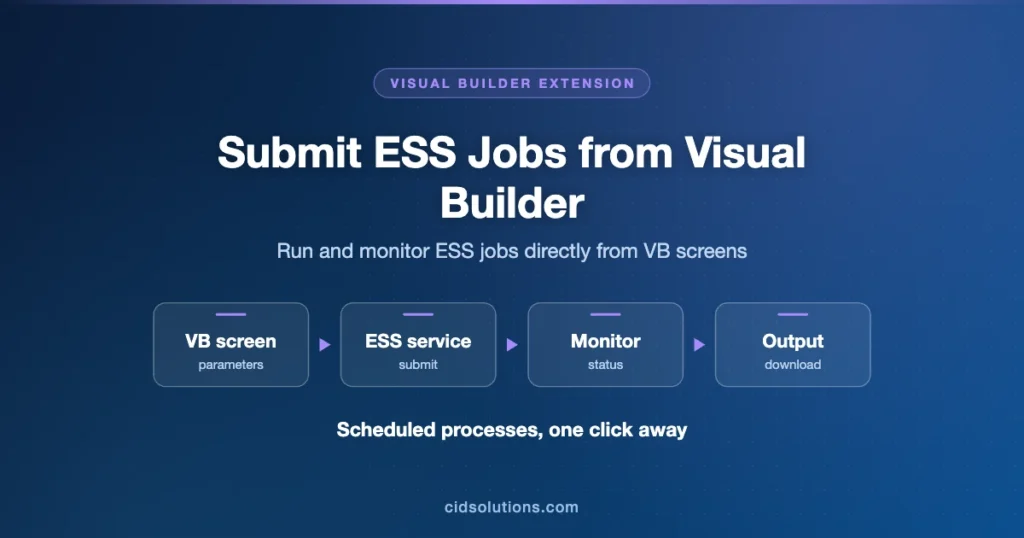
This post will show how ESS job submissions can be easily achieved in Visual Builder Studio.
Use Case
Submit a standard Ship Confirm ESS job for a given shipment.
High Level Implementation Details
- Create a custom backend to access ESS rest APIs described here https://docs.oracle.com/en/cloud/saas/applications-common/24b/farca/op-ess-rest-scheduler-v1-requests-get.html.
- Submit ESS job manually from Fusion to get a valid ESS Job Id
- Use Postman to extract ESS Job details
- Prepare a Postman version of ESS Job submission and verify of works as expected inside Fusion
- By using the sample requests and responses received in Postman create service connections for query and job submissions
- Implement the call to Submit a new job request in Javascript Action Chain
- Optionally implement request polling and monitoring
Detailed Implementation Details
- Create an ESS backend for your extension:

- Submit Confirm Shipments ESS job through standard UI, get its Job id and analyze the output by Postman:

- Extract the relevant parameters, Job definition name and path and construct submit request like the one below:

- Verify the ESS jobs works as expected
- Create backend service connection with query and submit endpoints from https://docs.oracle.com/en/cloud/saas/applications-common/24b/farca/op-ess-rest-scheduler-v1-requests-get.html:

- Implement Action Chain call to REST endpoint of Job submission

- If needed – use client side timeout and refresh job status

Table of Contents